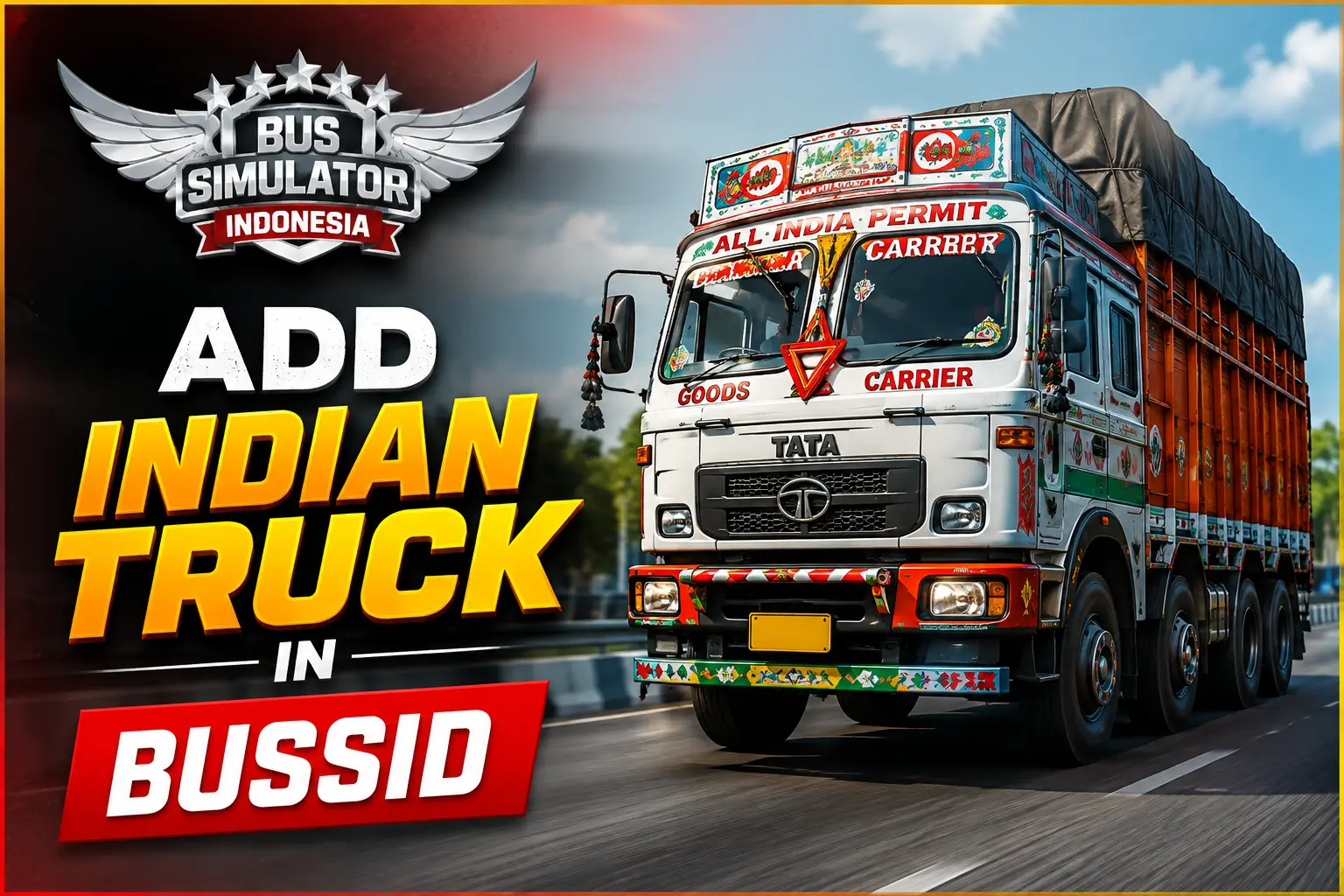
How to Add Indian Truck in Bus Simulator Indonesia (BUSSID)
Want to add Add Indian Truck in BUSSID in Indonesia without dealing with any complicated zip files or errors? This step-by-step guide will show you a simple way to add an Indian truck and apply its skin without any complicated steps.
Check your garage before adding a Truck
Before adding a new truck in the game, it’s a good idea to check your existing vehicles.
- Open the Garage
- View your current vehicles (bus, truck, etc.)
- This helps you confirm that the new truck is added successfully
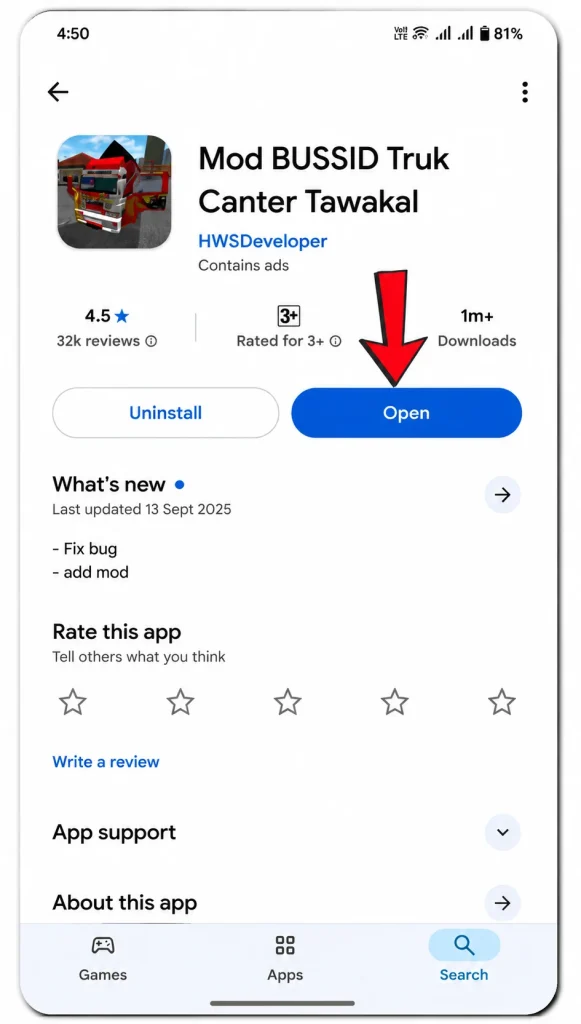
Download Mod Bussid App
To add any vehicle you need a mod app. You can easily find it on the Google Play Store and install it within a few seconds on any website.
- Open Google Play Store
- Search for MOD BUSSID
- Install the app (usually the first result)
- Open the app after installation
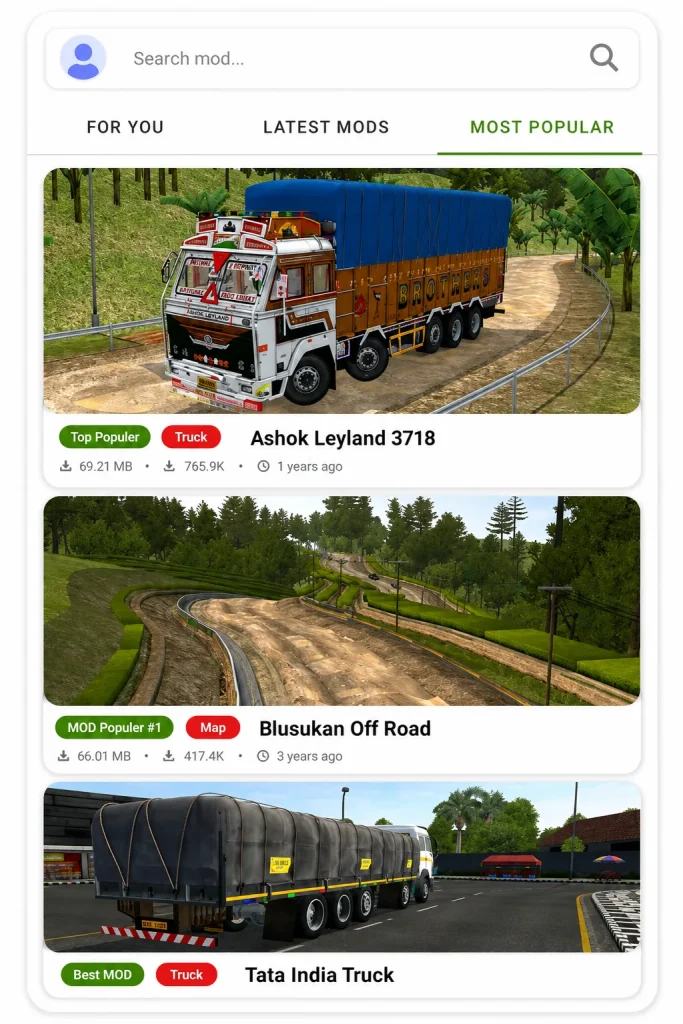
Choose an Indian Truck
After opening app, you will see many different types of vehicles available that you can add to your game
- Open the app
- Go to the Most Popular section
- Browse available vehicles (Bus, Truck, Car, Bike)
- Select an Indian truck (e.g., Tata or Ashok Leyland) and add it
Install and add trucks
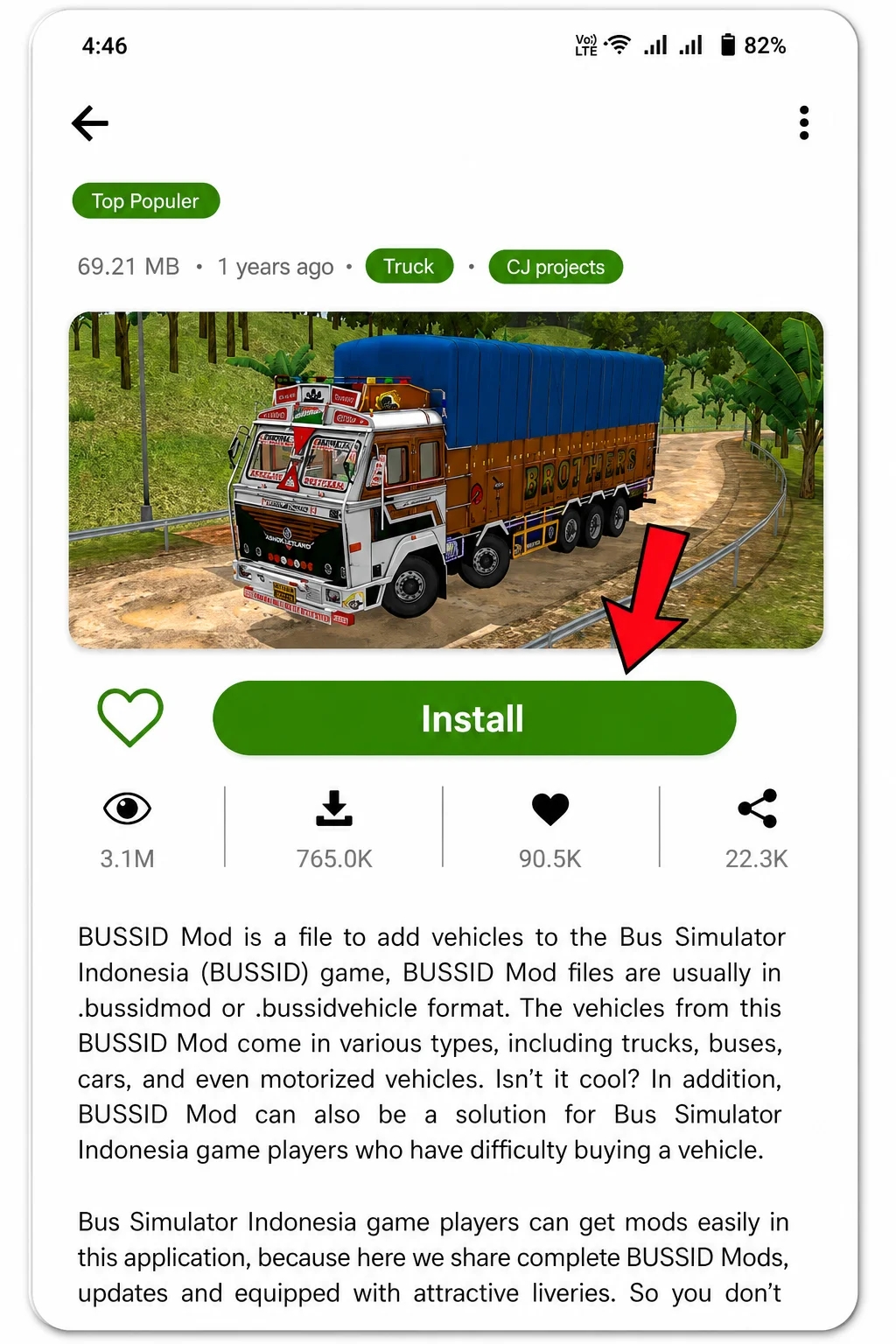
After selecting truck, you will see the Install option. Tap on it to start downloading the file (around 69.21 MB).
Open the game after installation.
Tap on Install to begin the download.
Wait for the installation to complete
Inside the game, follow these steps:
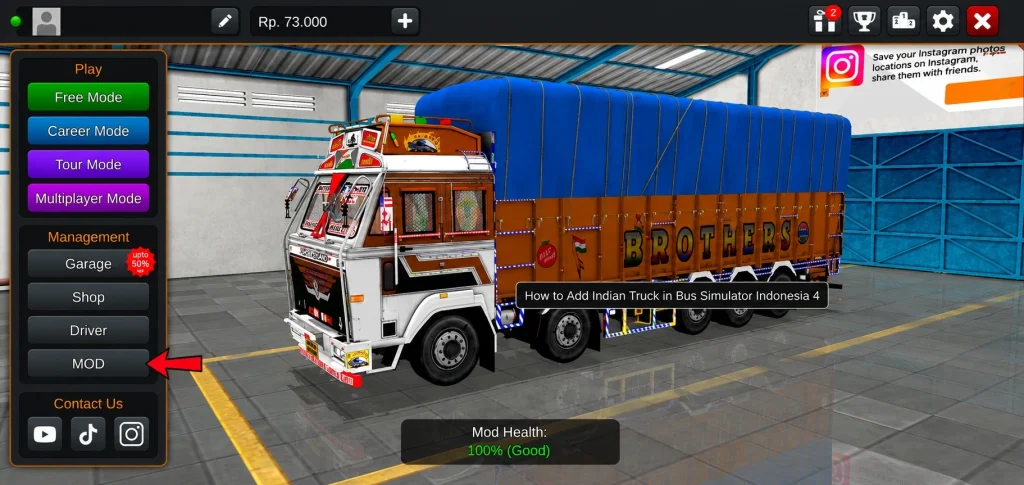
Go to the Mod option on the left side.
Tap on it and a popup will appear.
Tap on the Choose option.
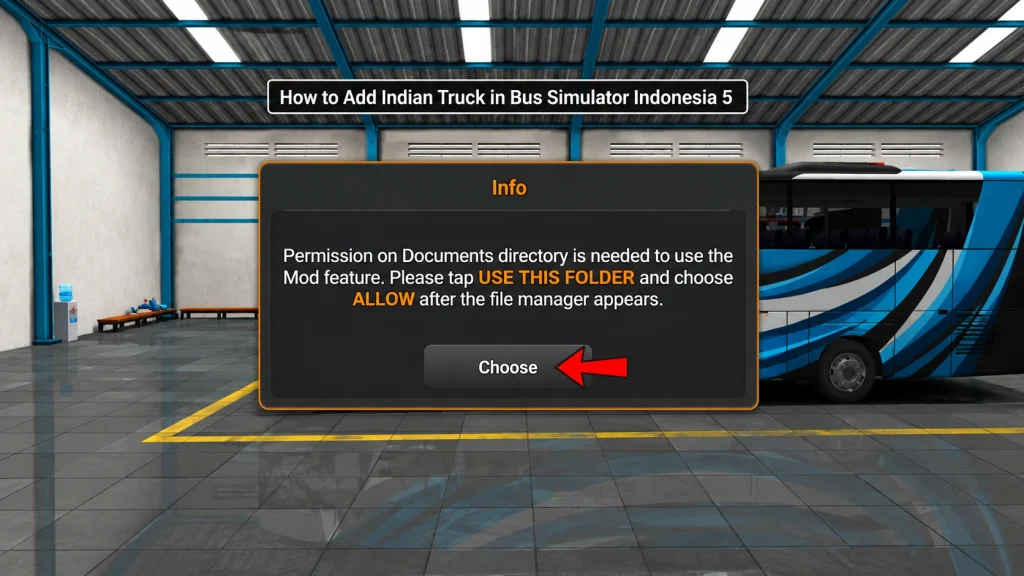
you will then be asked for permission. Tap on Allow to Continue.
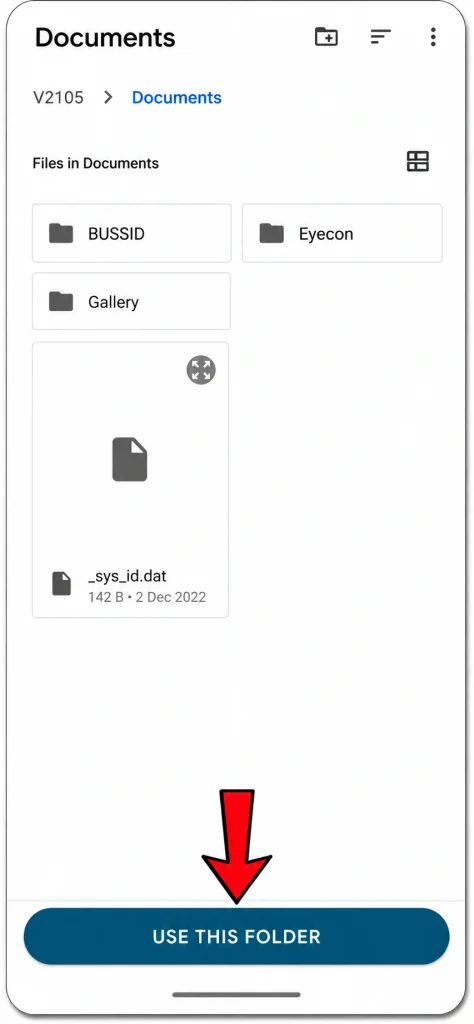
Tap on Use this folder (you will see this option at the bottom of the screen).
Tap on Allow to grant access to files in the Documents folder.
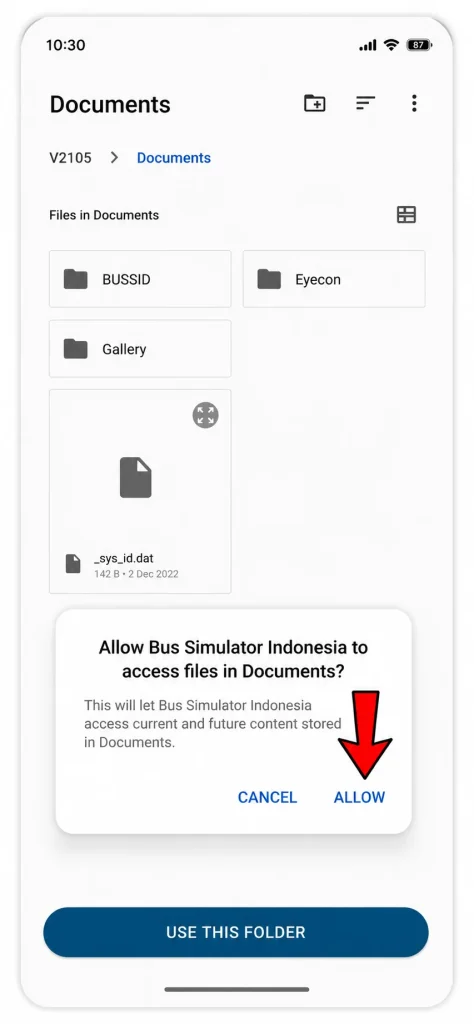
After allowing permission, the truck will be added to mod list:It will appear with the name AL_3718
Go to the Garage
You will see the same truck there that you added
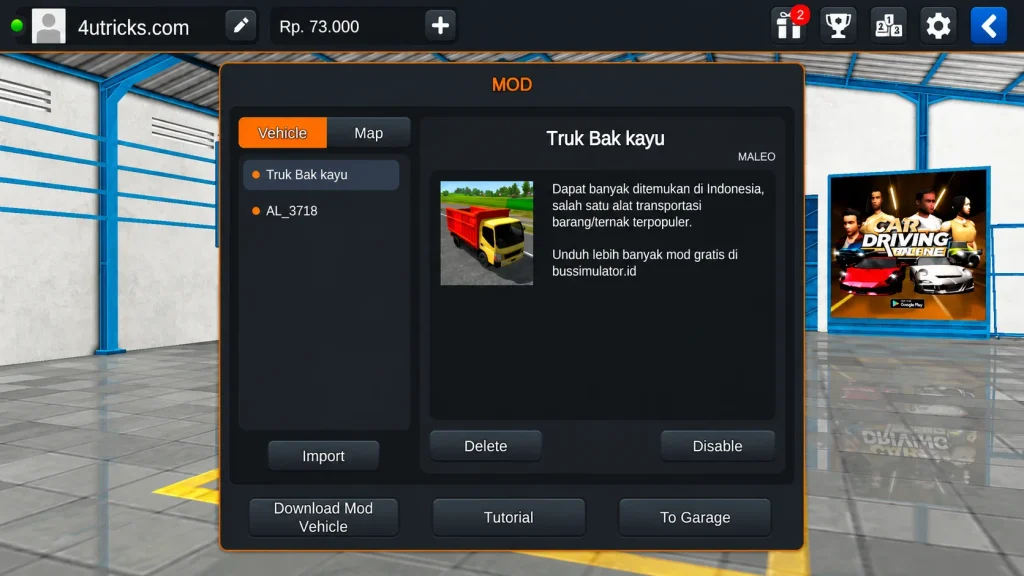
how to apply skin (livery) on India truck in Bussed
your truck has been sucessfuly. now apply a skin (livery) to make it look more attractive and realictac.
Download the skin
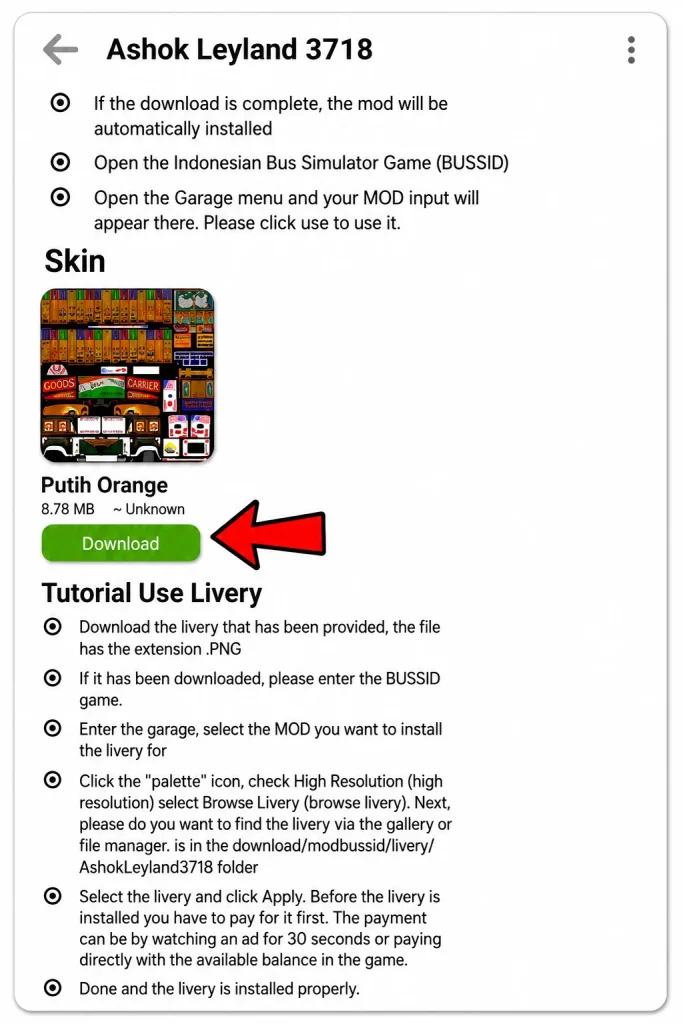
Go back to same app from where you downloading the truck.Select your Indian truck
Scroll down on the truck page
You will see the Download Skin/Livery option
Download the skin (size will be around 8.78 MB)
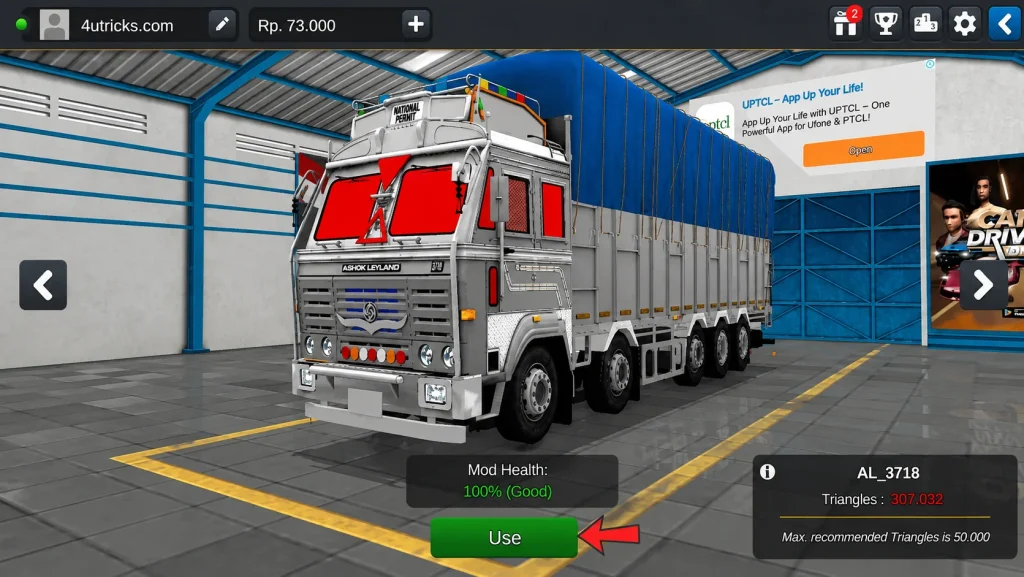
Open your garage and select your truck.Open the game
- Click on Garage
- Slide and select your truck
- Tap on Use
- A popup will appear → click Yes
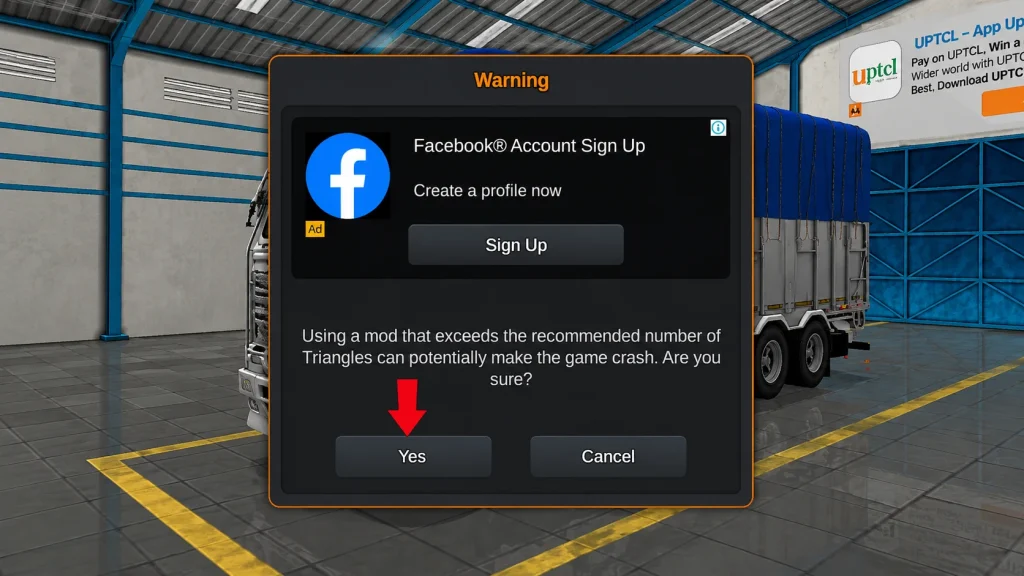
Open Livery (Skin) Option
- Click on the Skin / Livery option at the top
- It will ask for permission → select Allow All
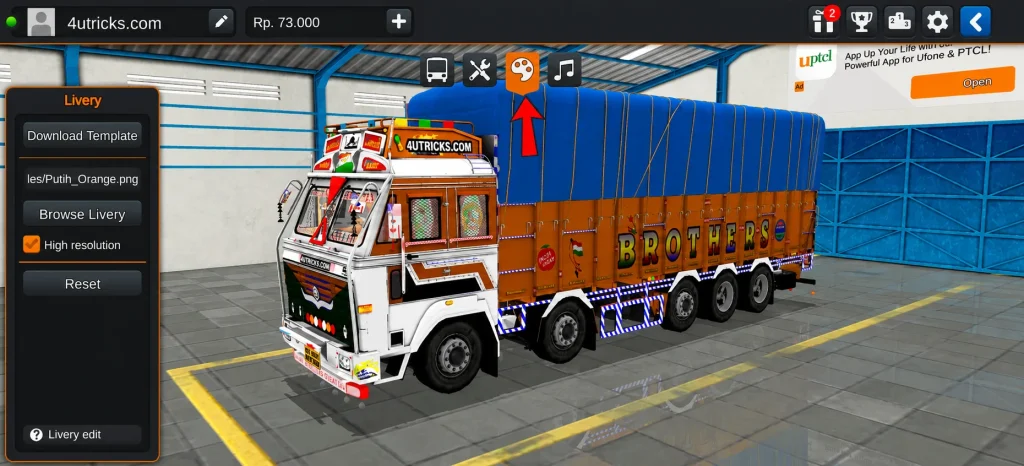
Browse Livery and Select Source
- On the same screen where you opened the Skin (Livery) option, you will see Browse Livery option on the left side
- Click on Browse Livery
- It will ask you to choose:
- Device Gallery
- File Manager
Select Device Gallery
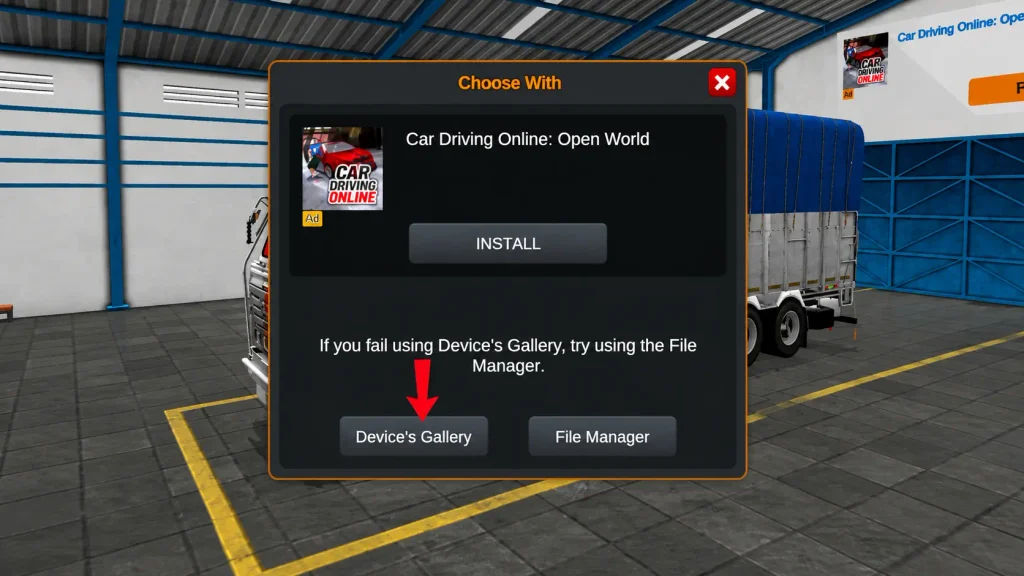
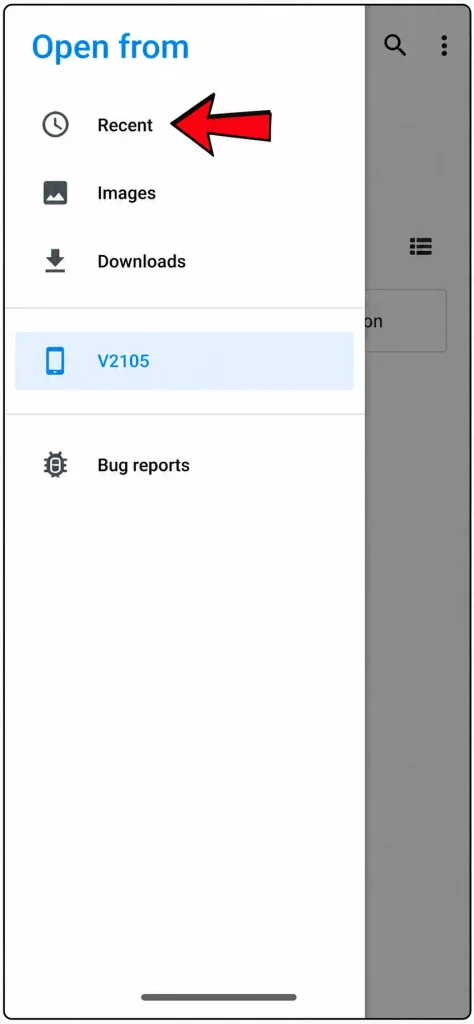
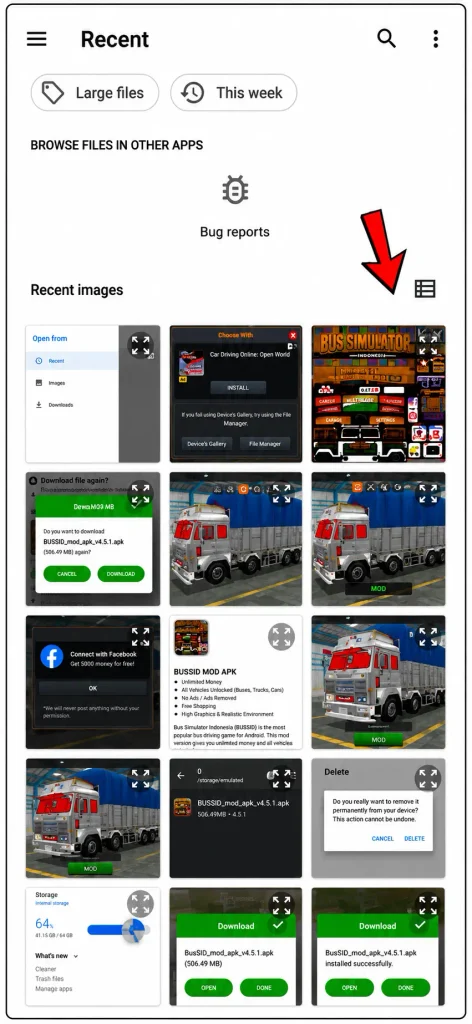
- The gallery will open
- Click on 3 dots (top left side)
- Open recent
- You will the your skins
- Tap on Your Skin
- Thw skin will applied to your track instantaly.
Apply High-Resilience Skin (Optional)
On the same screen where the skin (livery) option is open, you will see High Resulation option with brows Livery. Enable high resolution, then click on apply.
Final Result
Can I add an Indian truck in BUSSID without a mod?
No, you need a mod file or the MOD BUSSID app to add custom trucks.
Is the BUSSID mod safe to use?
Yes, if you download from a trusted source, it is safe to use.
Why is my truck not showing in the garage?
Make sure you allowed storage permission and selected the correct folder.